Warning: realpath(): open_basedir restriction in effect. File(/www/wwwroot) is not within the allowed path(s): (/www/wwwroot/dw.dowinlaser.com3/:/tmp/) in /www/wwwroot/dw.dowinlaser.com3/wp-content/plugins/wp-file-manager/classes/backup-storage.php on line 119

Warning: realpath(): open_basedir restriction in effect. File(/www) is not within the allowed path(s): (/www/wwwroot/dw.dowinlaser.com3/:/tmp/) in /www/wwwroot/dw.dowinlaser.com3/wp-content/plugins/wp-file-manager/classes/backup-storage.php on line 119

Warning: realpath(): open_basedir restriction in effect. File(/) is not within the allowed path(s): (/www/wwwroot/dw.dowinlaser.com3/:/tmp/) in /www/wwwroot/dw.dowinlaser.com3/wp-content/plugins/wp-file-manager/classes/backup-storage.php on line 119
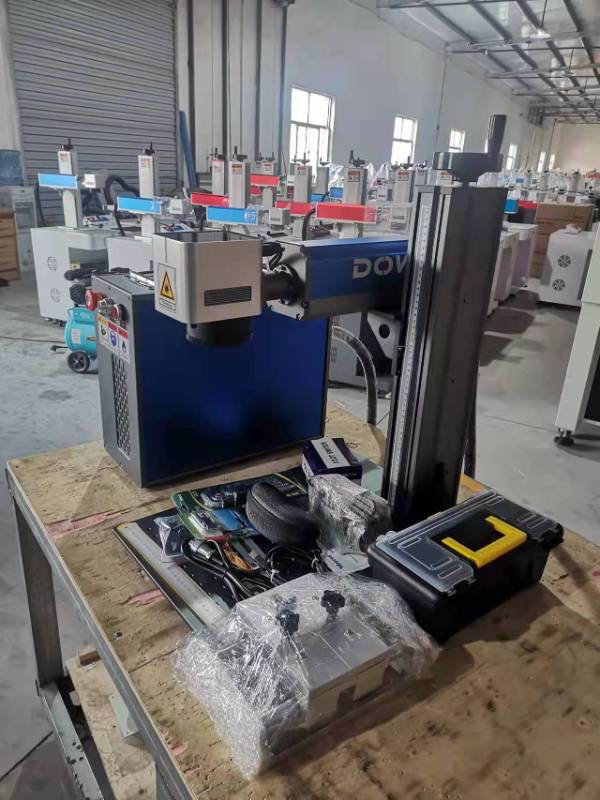
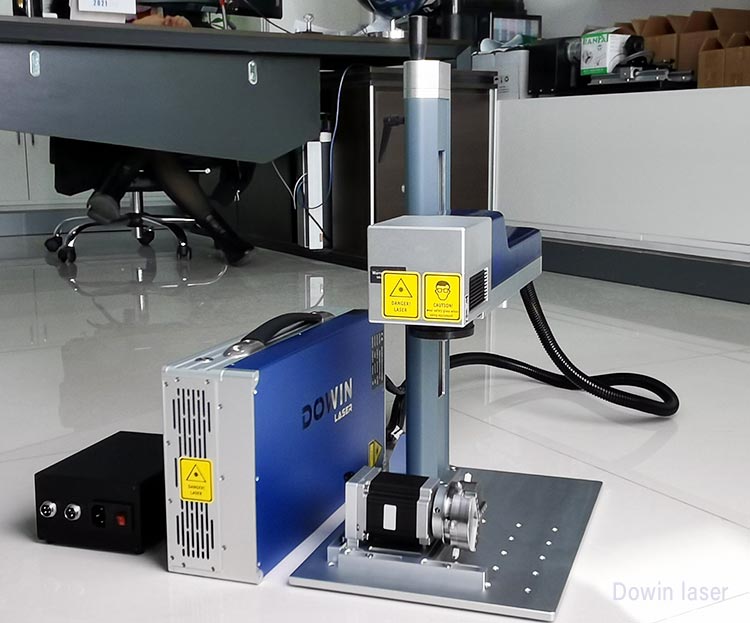
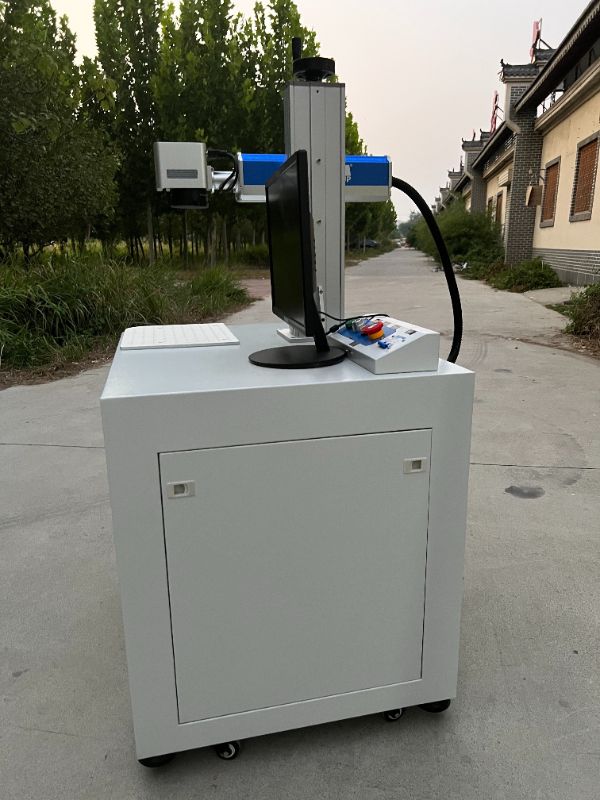
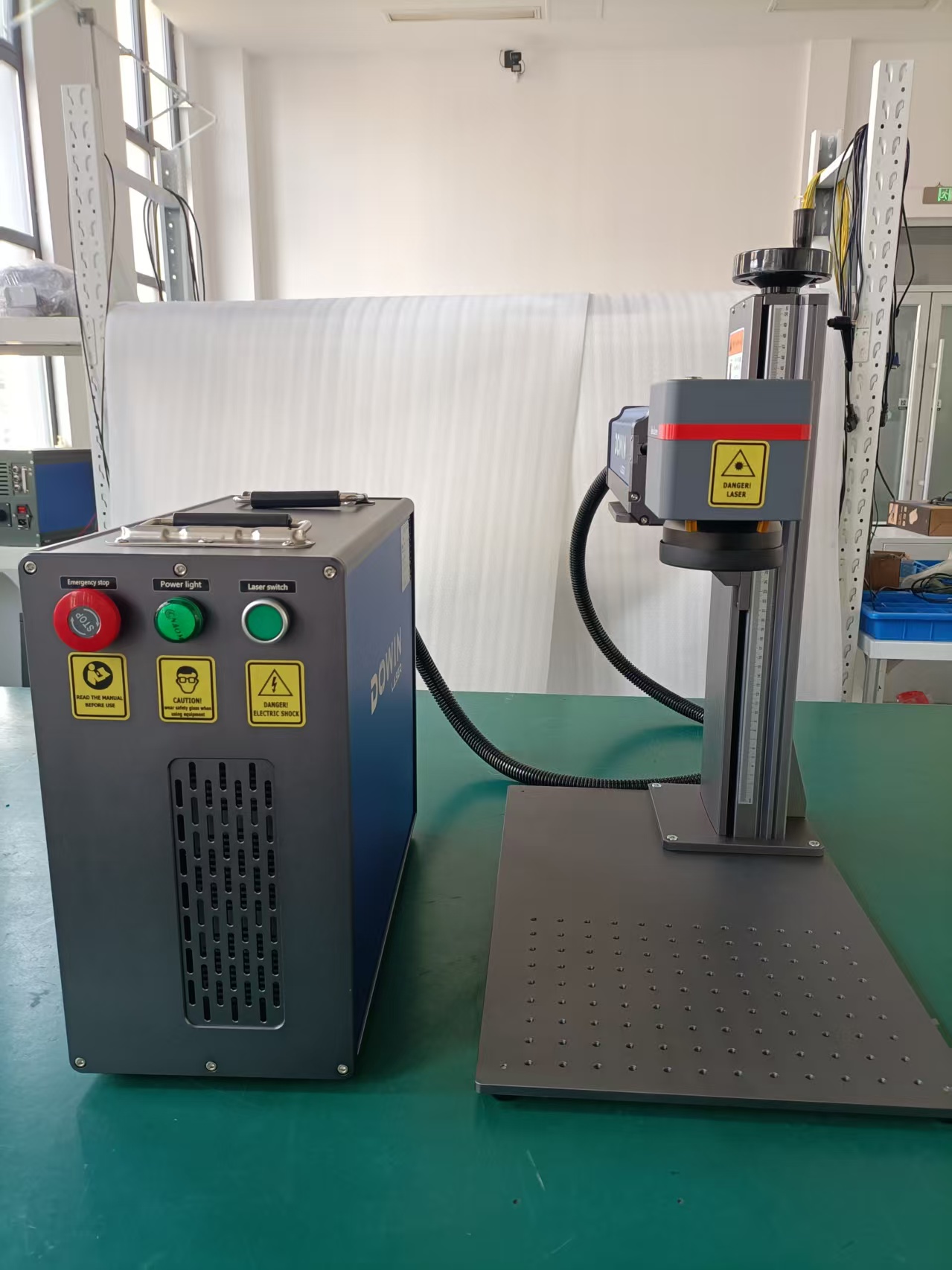
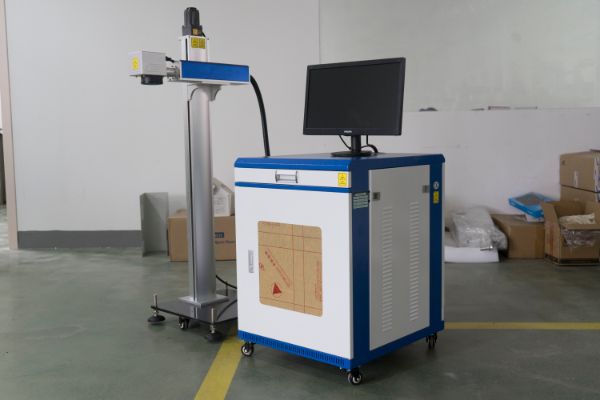
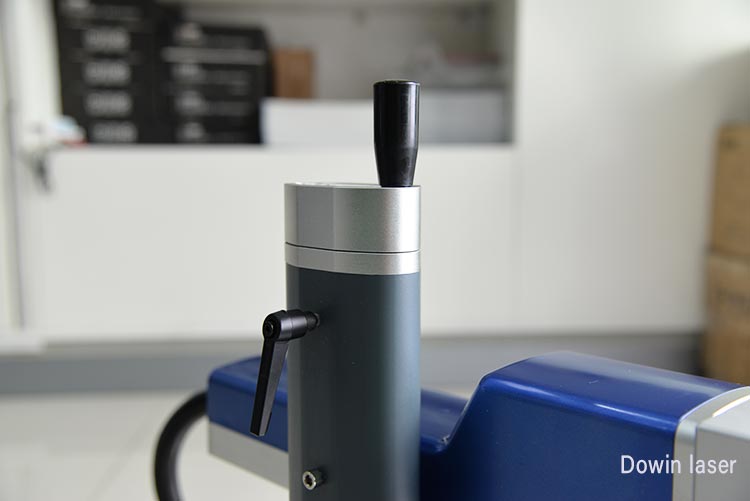
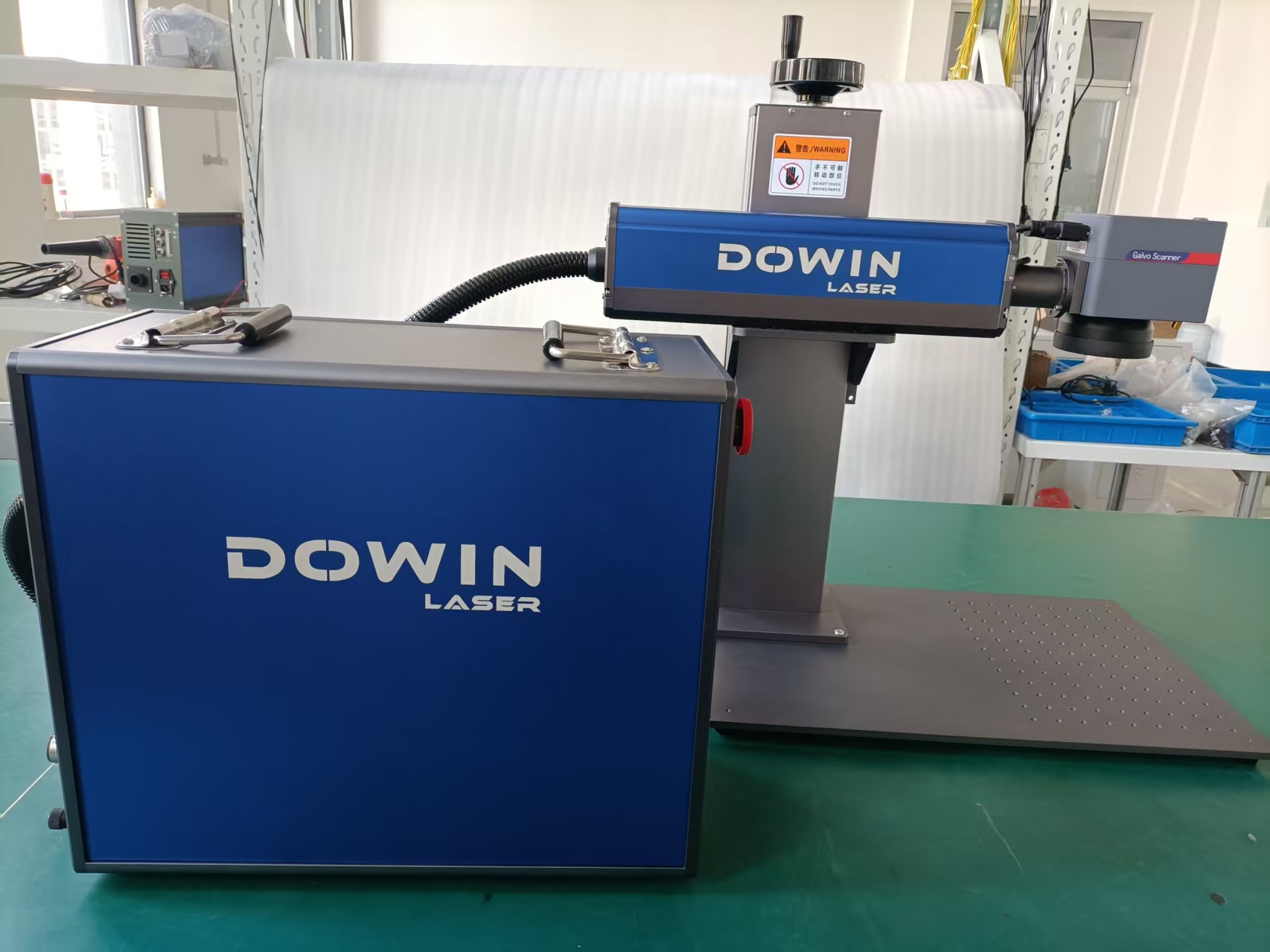
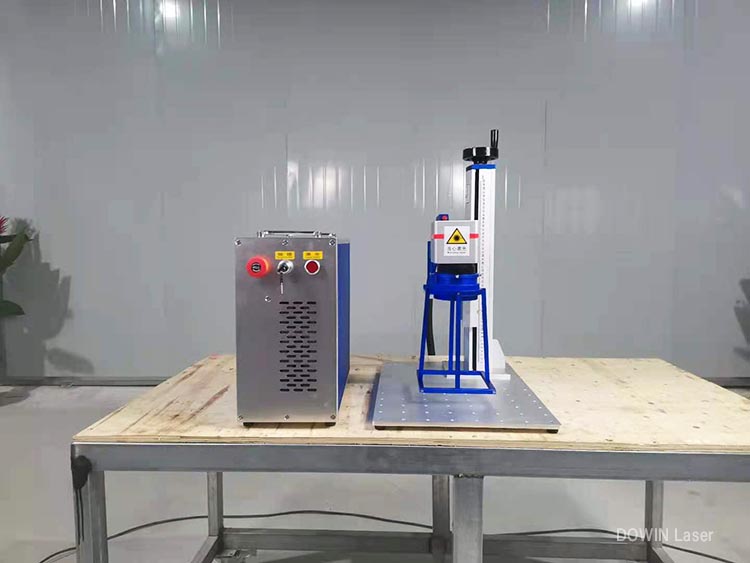
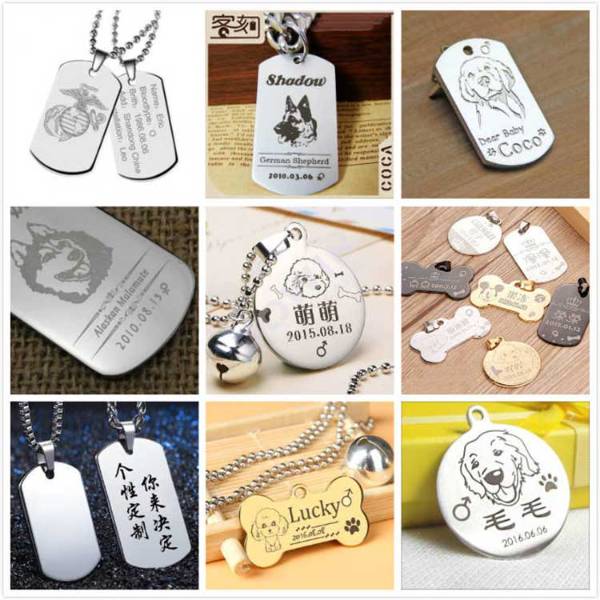
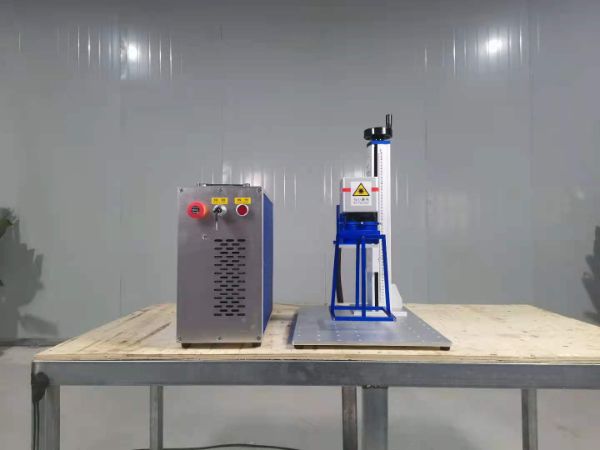
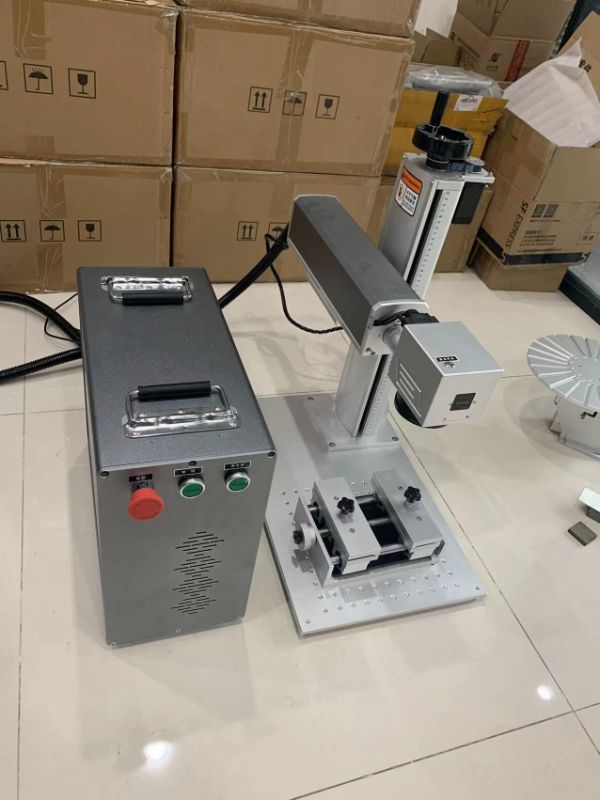
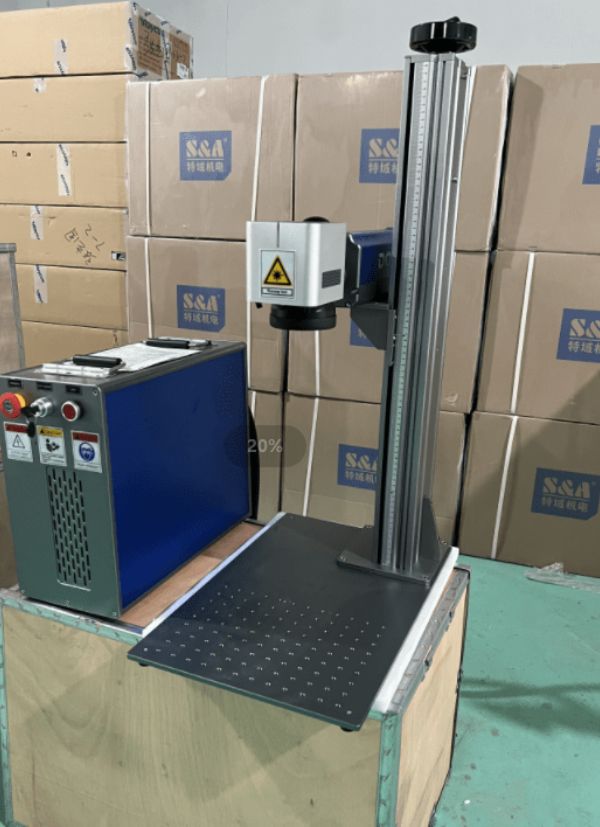
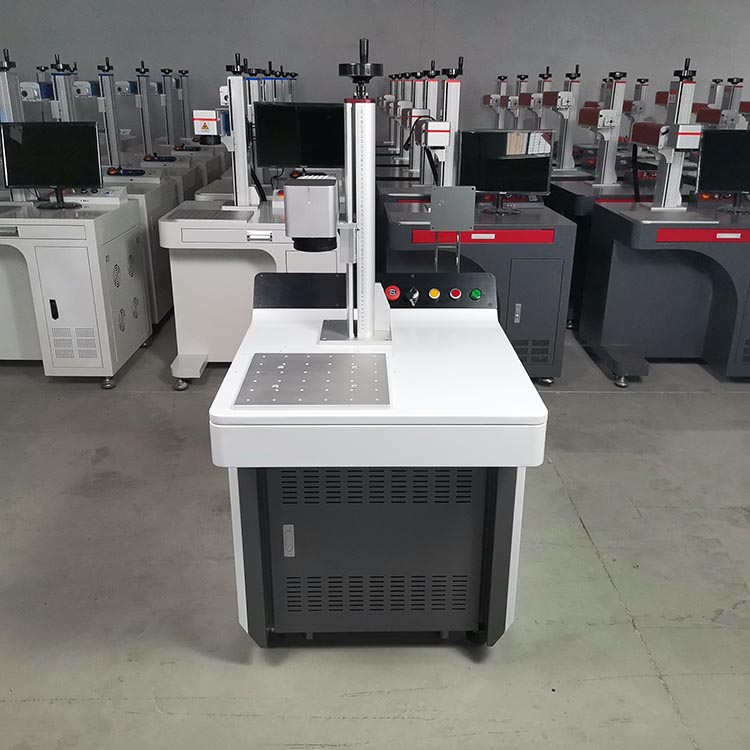
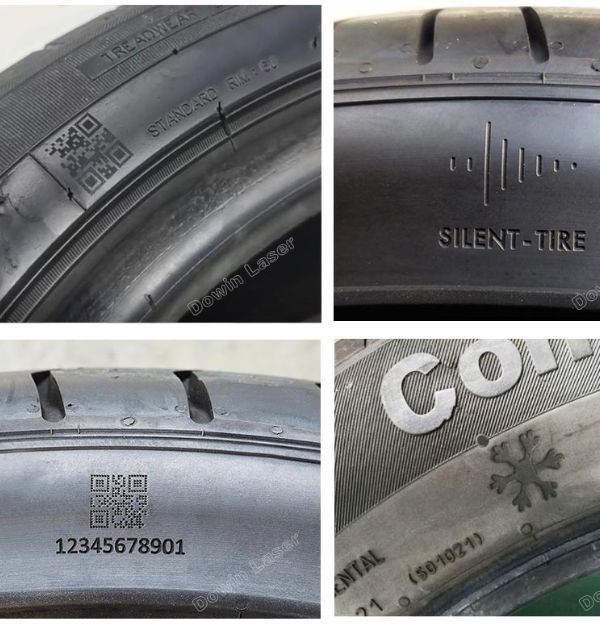
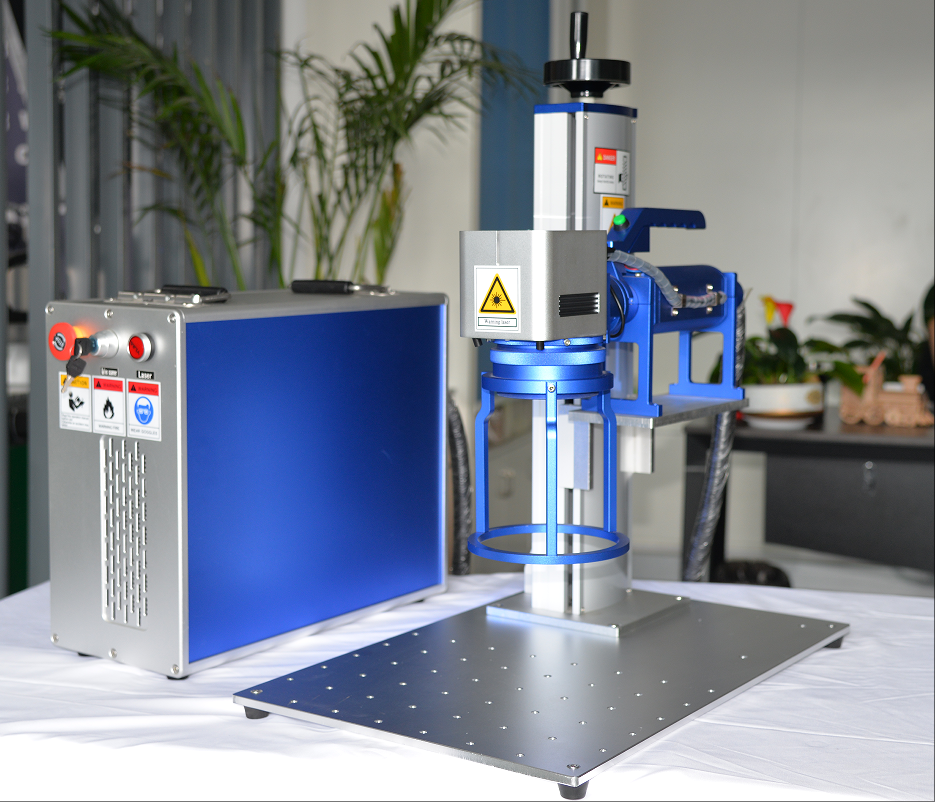
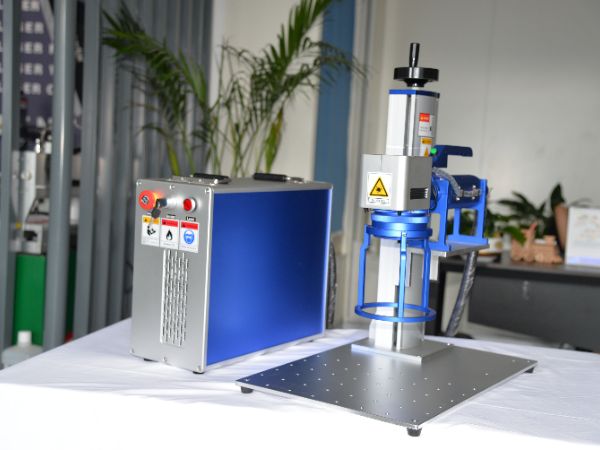
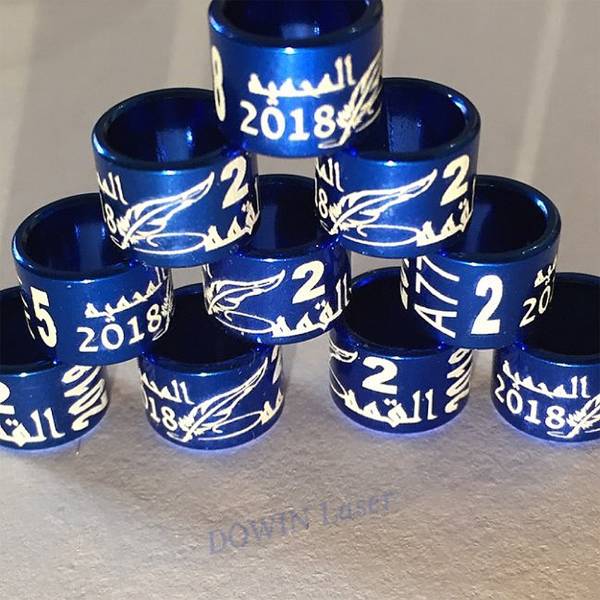
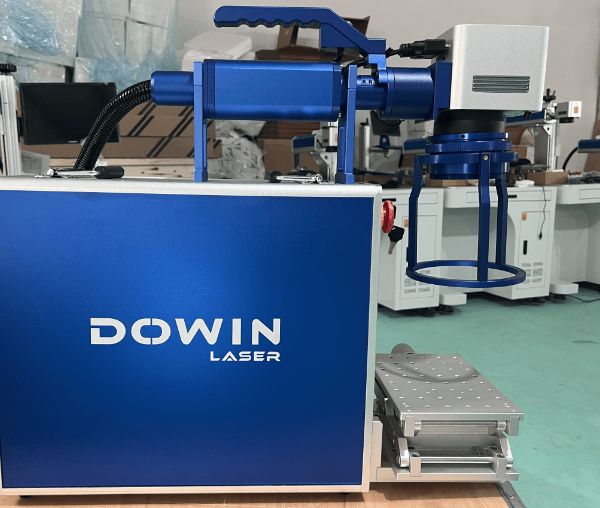
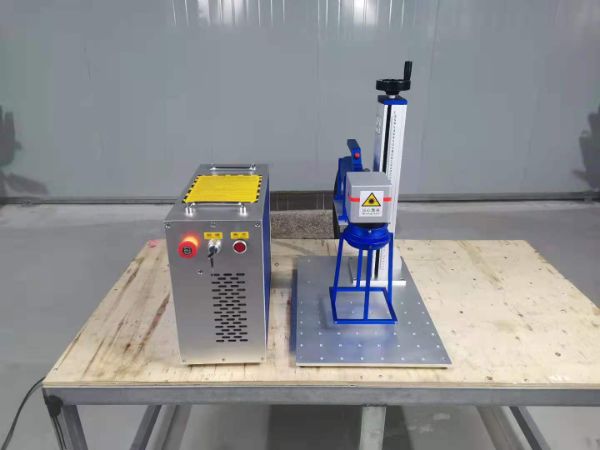
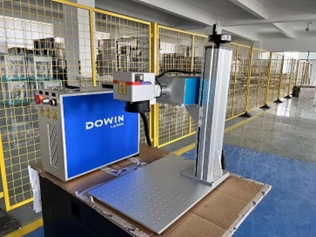
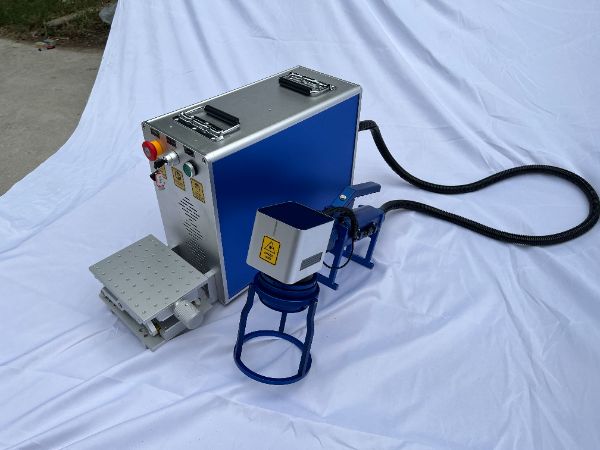
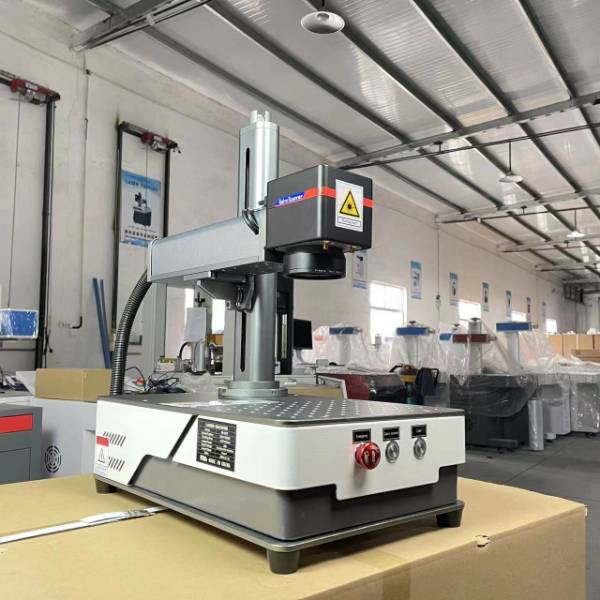
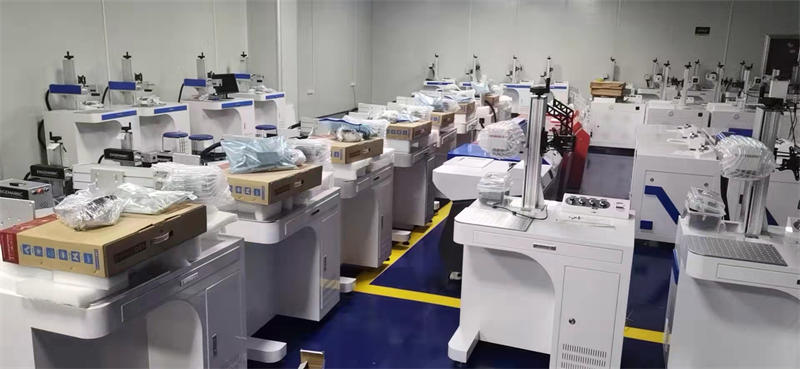
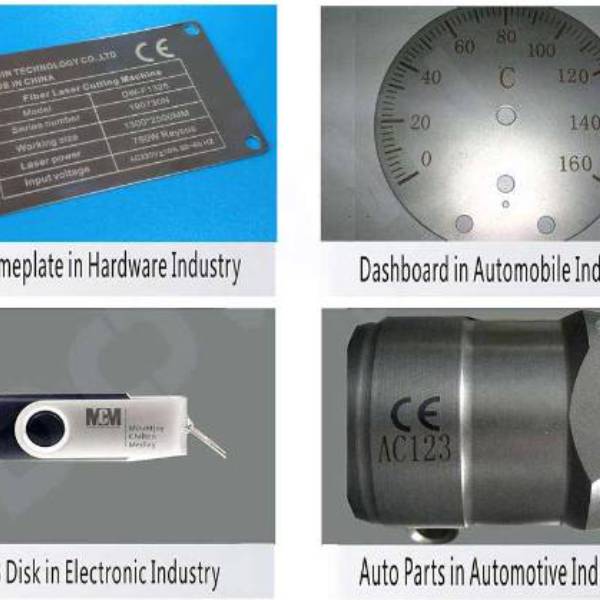
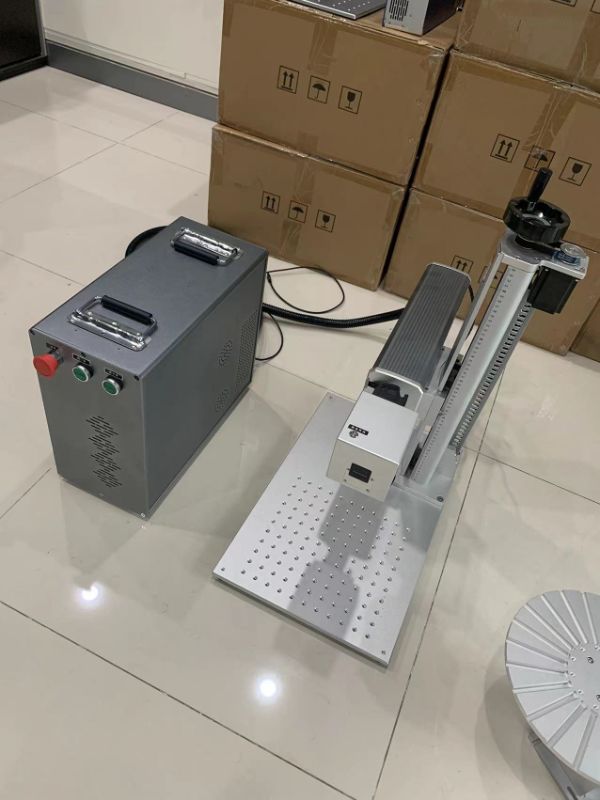
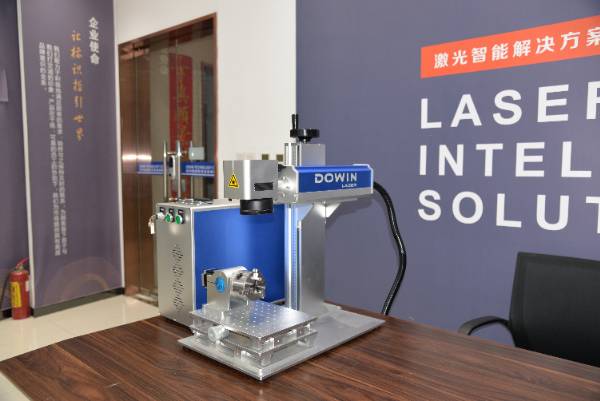
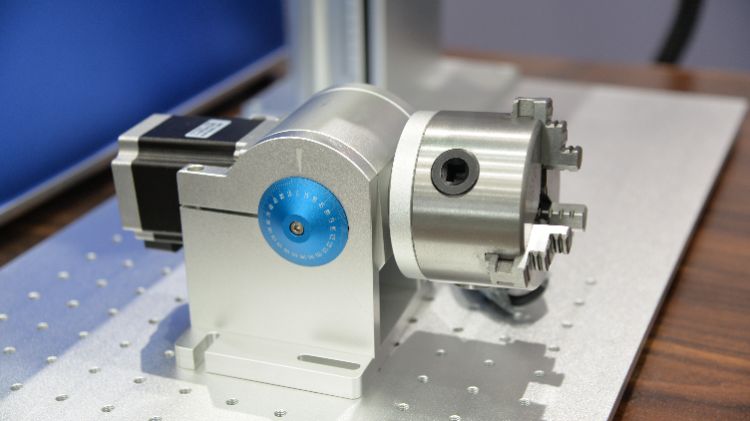
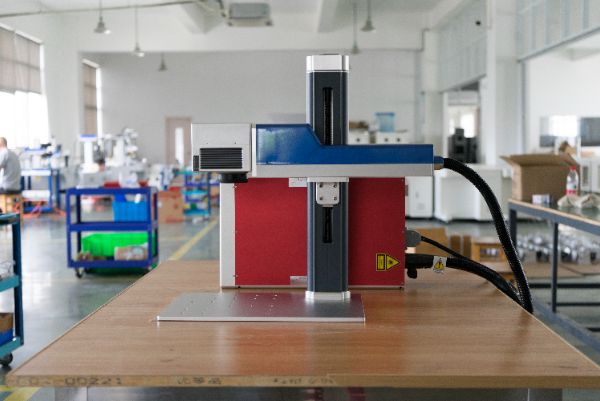
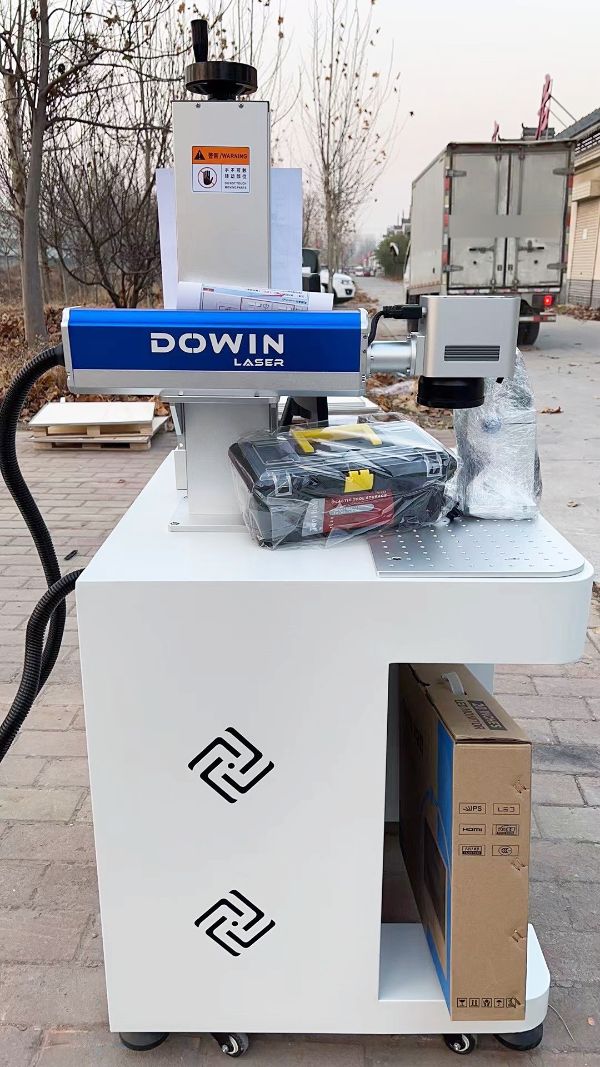
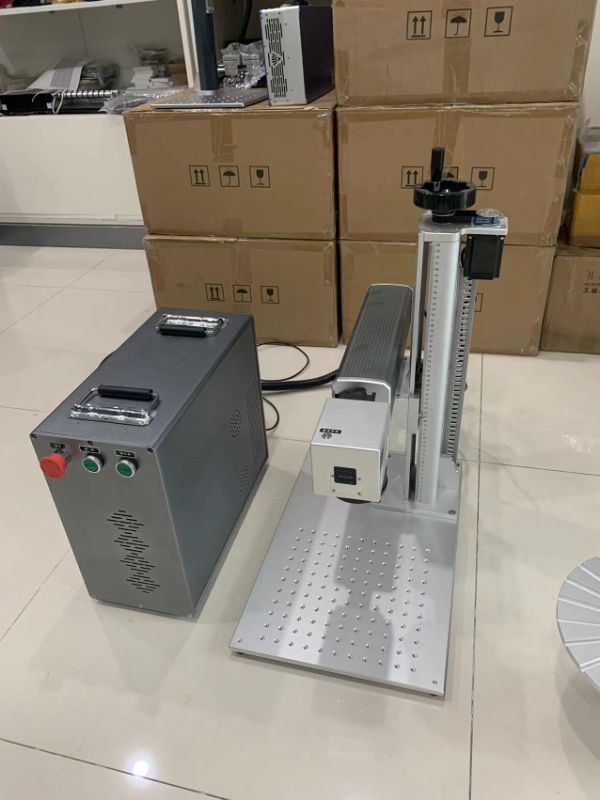
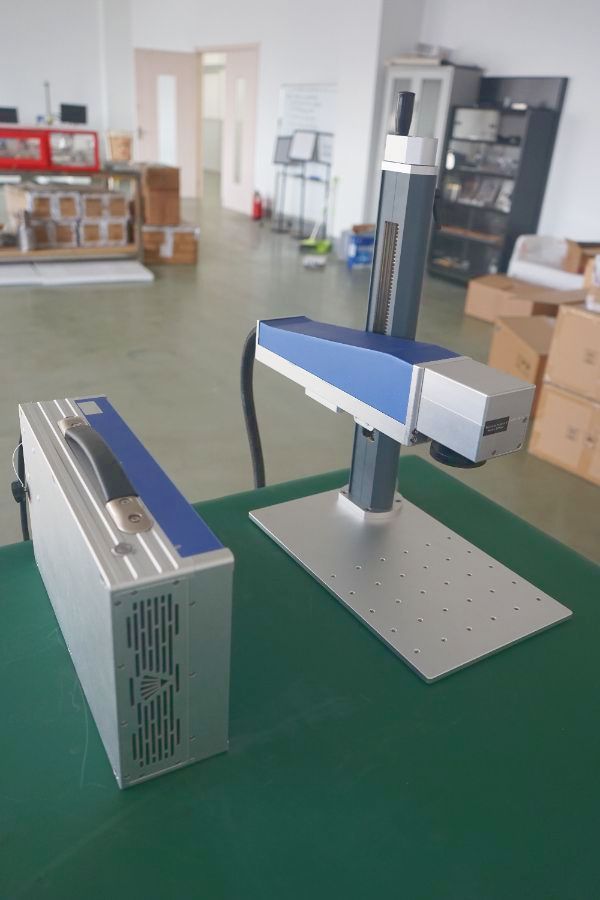
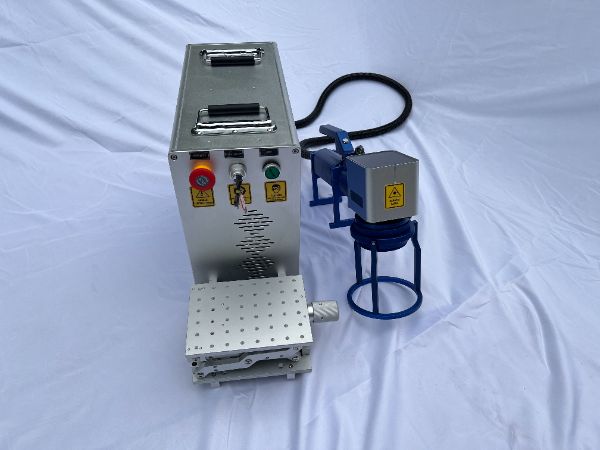
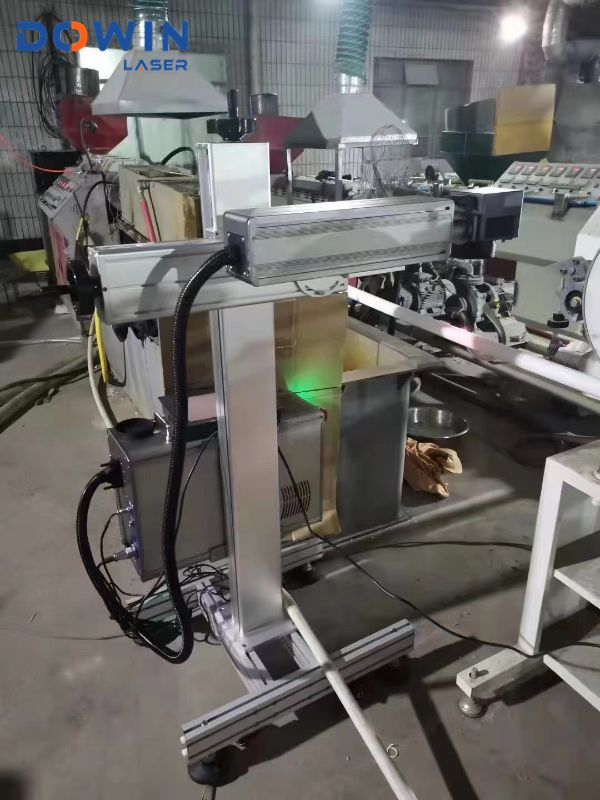
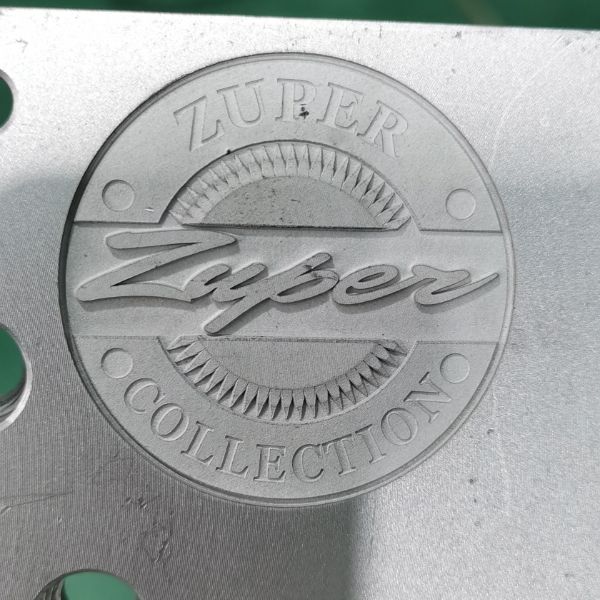
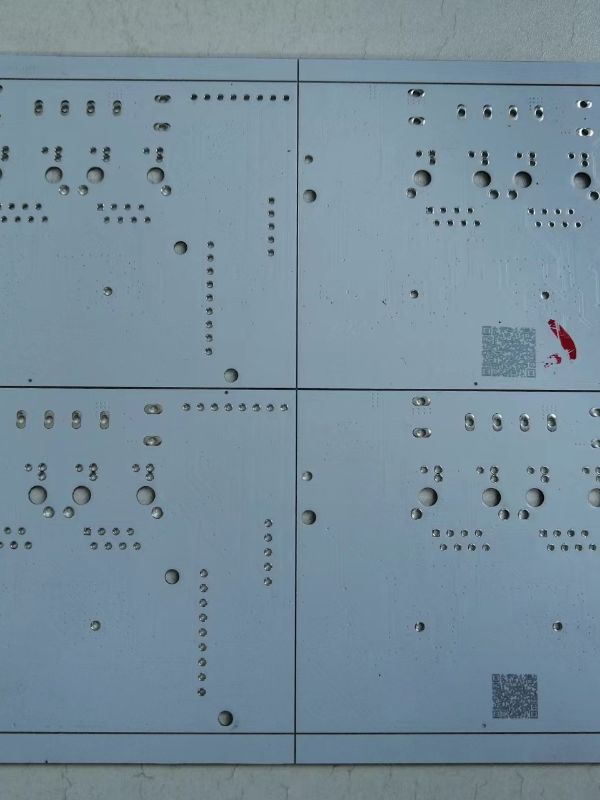
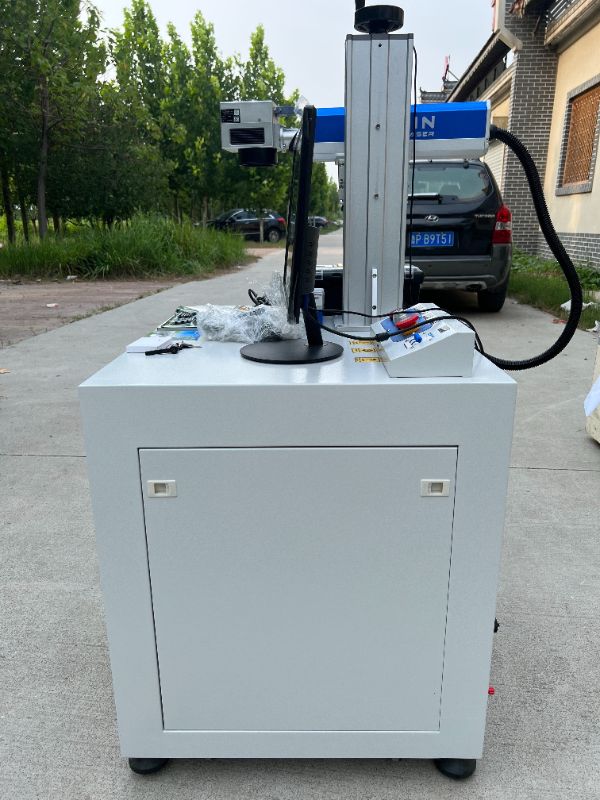
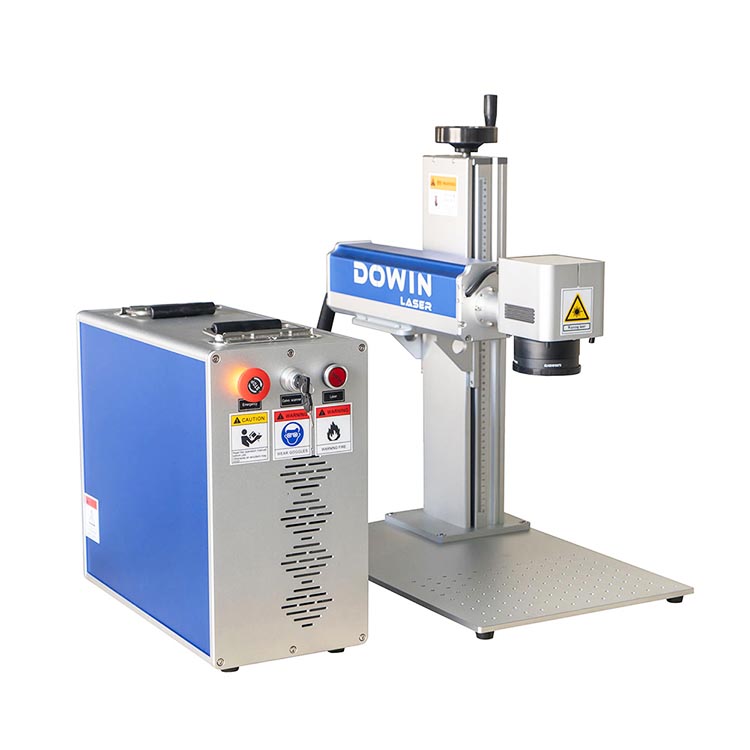
Best Cattle Ear Tags Laser Marking Machine Pigeon Rings Marking Machine --DOWIN CNC
Home » Laser Machine » Laser Marking Machine » Fiber laser marking machine » Best Cattle Ear Tags Laser Marking Machine Pigeon Rings Marking Machine
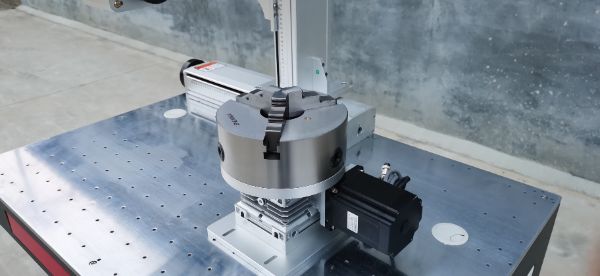
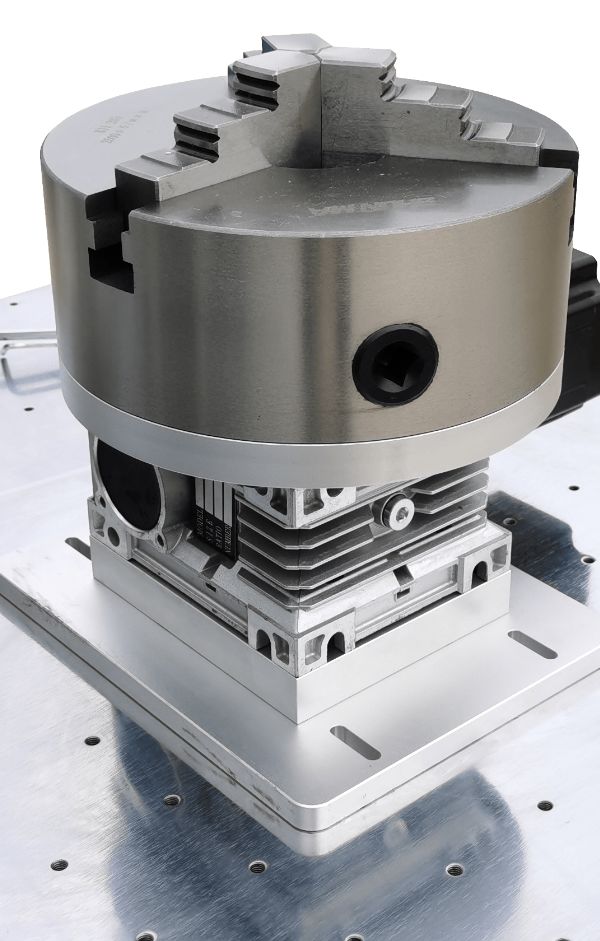
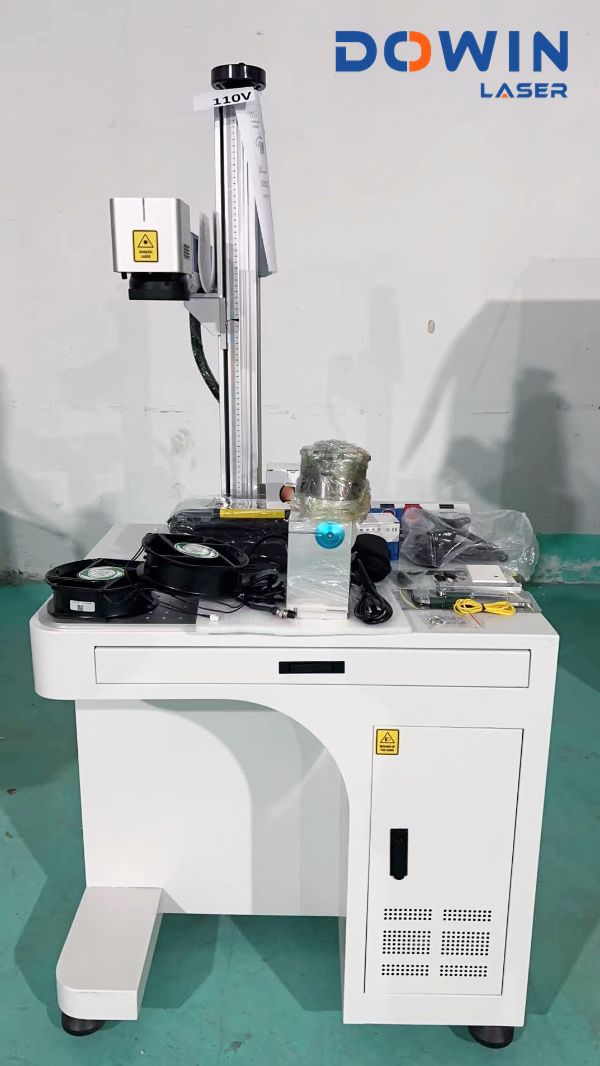
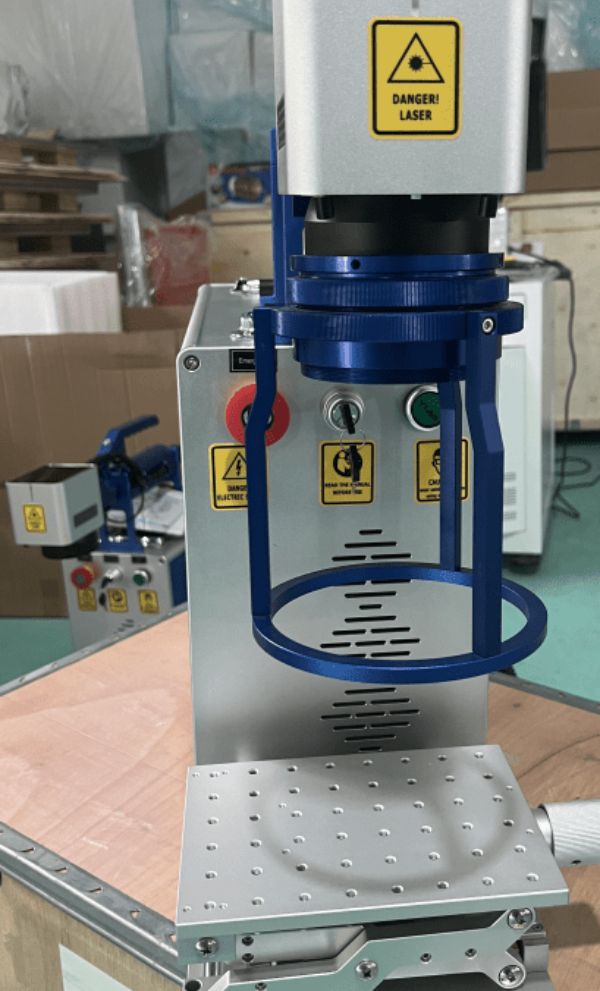
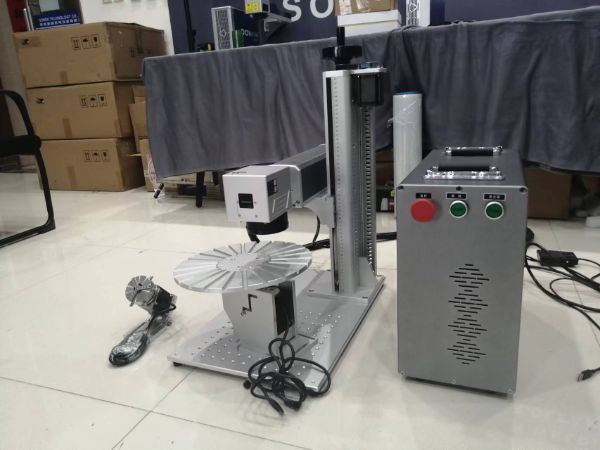
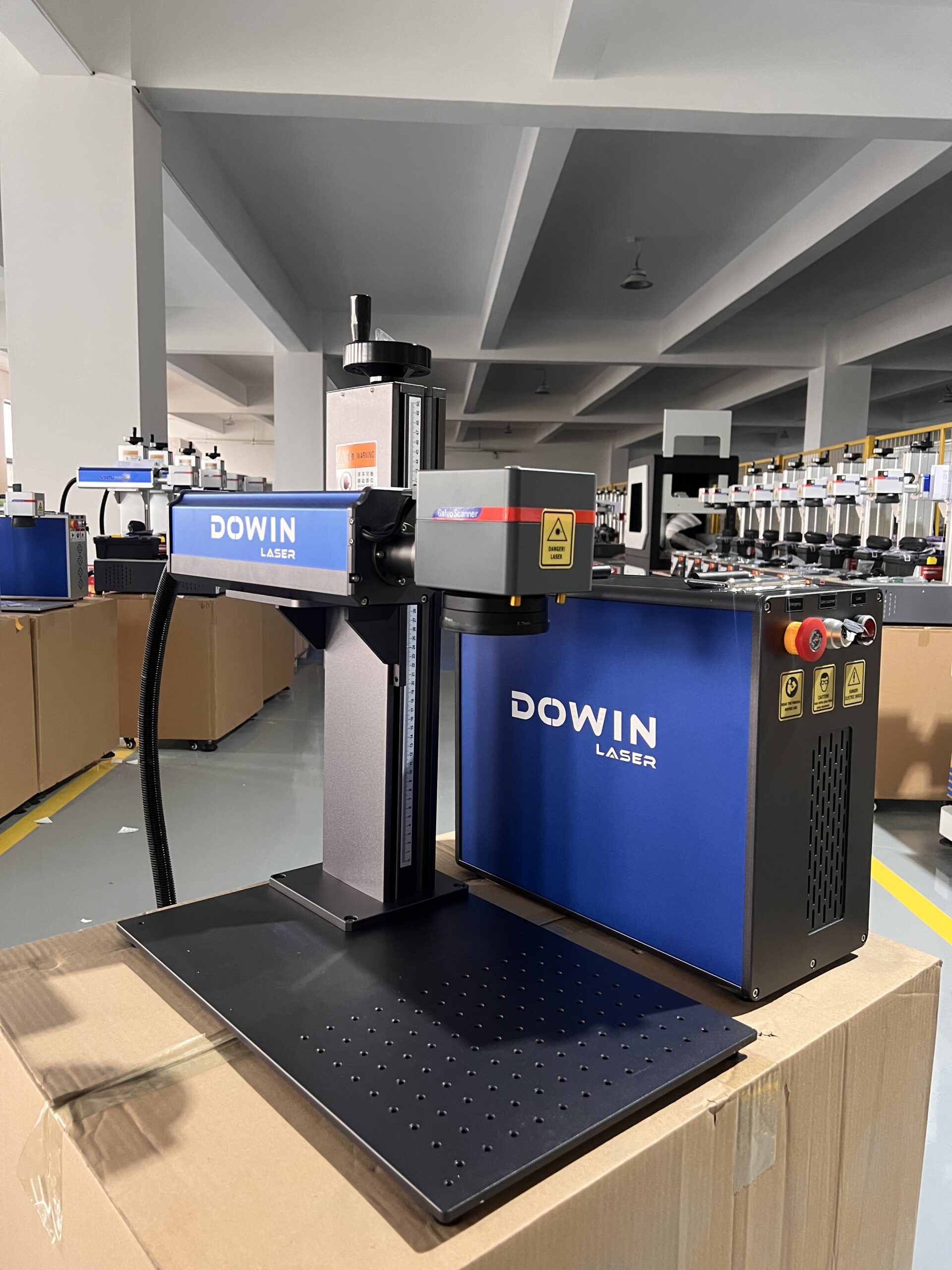
Best Cattle Ear Tags Laser Marking Machine Pigeon Rings Marking Machine

After the laser marking machine is used, pay attention to closing the marking machine. The specific order is:
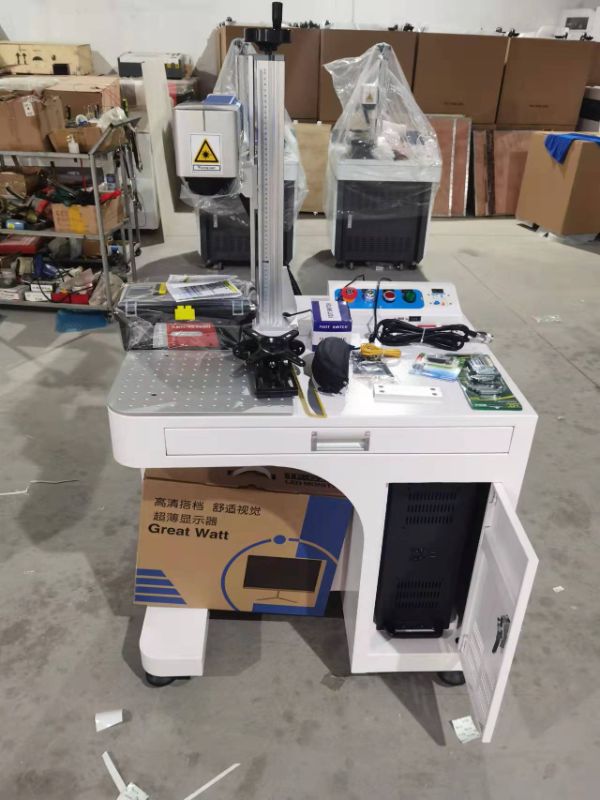
1. Adjust the working current of the laser power supply to the minimum
2. Turn off the computer;
3. Turn off the power of the galvanometer;
4. Press the stop button;
5. Turn off the key switch
6. Disconnect incoming power.

Rated 5/5 based on 490 customer reviews
Share:
Content
Inquiry


    More Fiber laser marking machine